
Education
90%
block decrease
10+
years of
experience
September 2, 2026
5 min read


...The next, everything is frozen. No warning, no clear explanation — just a restriction notice and a queue to appeal. If this has happened to your agency more than once, you already know that the standard advice ("just appeal it") isn't really a solution.
The truth is that most Meta agency account suspensions are preventable — but only once you understand what's actually causing them. In this article, we break down the most common reasons Meta suspends agency accounts, what to do in each case, and how to set up your infrastructure so it stops happening.
Meta's automated systems don't distinguish between an agency running legitimate client campaigns and a bad actor trying to game the platform. They look at patterns, signals, and risk scores — and when something looks off, they act first and ask questions later.
Here are the most common triggers we see:
1. Policy violations in ad content or landing pages
This is the most obvious one, but it catches a lot of agencies off guard because the violation isn't always in the ad itself. Meta reviews the entire post-click experience — which means a non-compliant landing page can get your ad rejected and your account flagged even if the creative and copy are perfectly clean. Common issues include missing disclaimers, misleading claims buried in the fine print, or landing page content that contradicts what the ad promises.

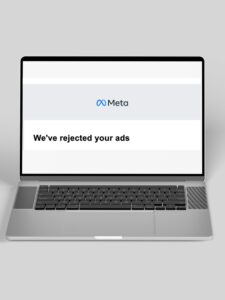
A single disapproved ad is a warning. Multiple disapprovals in quick succession — especially for the same policy — tell Meta's system that your account is high-risk. Once that risk score climbs, even compliant ads start getting flagged because the account itself is under increased scrutiny. Many agencies make this worse by quickly relaunching variations of a rejected ad without fixing the underlying issue, which accelerates the problem.
Meta's fraud detection systems monitor for patterns that look unusual — a sudden spike in ad spend on a new account, logins from multiple locations or devices in a short window, rapid changes to payment methods, or multiple ad sets launching simultaneously with identical targeting. These patterns are common in agency workflows, which is exactly why agencies get flagged more often than individual advertisers. What looks normal to a media buying team looks suspicious to an automated risk system.
How your Business Manager is set up matters more than most agencies realise. Connecting high-risk pages or previously restricted ad accounts to your Business Manager transfers their risk history to your entire setup. Incomplete business verification, mismatched legal names, or missing contact details also reduce your trust score and make your account more likely to be flagged during routine reviews.
Poor user experience doesn't just affect your ad quality score — it affects your account health. If your ads are generating a lot of "hide ad," "report ad," or negative comment activity, Meta interprets this as a signal that users don't want to see your content. Over time, this contributes to a declining feedback score that makes your account progressively more vulnerable to restriction.
If you're already suspended, here's how to approach the recovery:
Step 1: Identify the actual cause before you appeal. Read the violation notice carefully and check your Account Quality dashboard. Don't rush to submit an appeal without understanding what triggered the suspension — an appeal that doesn't address the root cause will almost certainly be rejected, and repeated failed appeals make recovery harder.
Step 2: Fix the issue first. If the suspension was triggered by a non-compliant ad or landing page, fix it before you appeal. Meta reviewers can see whether the issue has been resolved, and an appeal accompanied by evidence that you've made corrections has a significantly better chance of success than an appeal that simply disputes the finding.
Step 3: Submit a clear, specific appeal. Vague appeals ("I didn't violate any policies") rarely succeed. A good appeal explains what the issue was, what steps you've taken to address it, and provides any supporting documentation — business registration, licences, or compliance evidence — that supports your case.
Step 4: Escalate if you have access to it. Standard appeal queues can take days. If you have access to a dedicated Meta support contact or work with a partner that does, use it. Direct escalation is often the fastest route to resolution.


Fixing a suspension is reactive. The more important question is why it keeps happening — and what to change structurally.
Audit your Business Manager setup. Remove any assets with a poor history, complete your business verification properly, and make sure every page and account connected to your BM is clean and compliant.
Build compliance into your workflow, not onto it. Ad compliance shouldn't be an afterthought that happens after creative is finalised. Landing pages, ad copy, and targeting settings should all be reviewed against current platform policies before any campaign goes live.
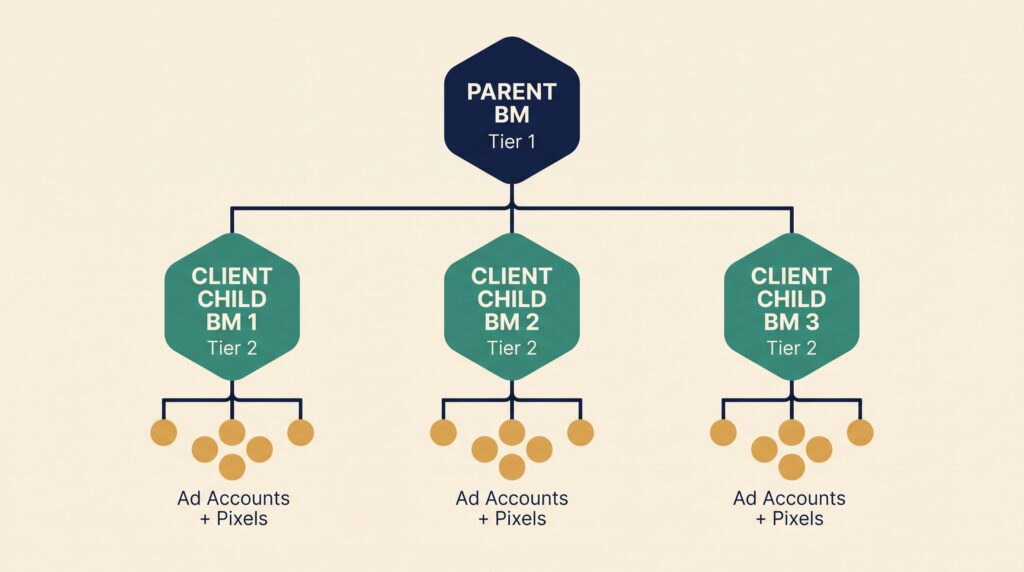
Monitor your account health proactively. Check your Account Quality dashboard regularly — not just when something goes wrong. Catching a warning early gives you the opportunity to fix it before Meta takes action. Separate your client accounts properly. If one client's campaign triggers a flag, the damage should stop there. The right account structure — with proper separation between clients and clean, dedicated infrastructure for each — prevents issues from spreading across your entire operation.
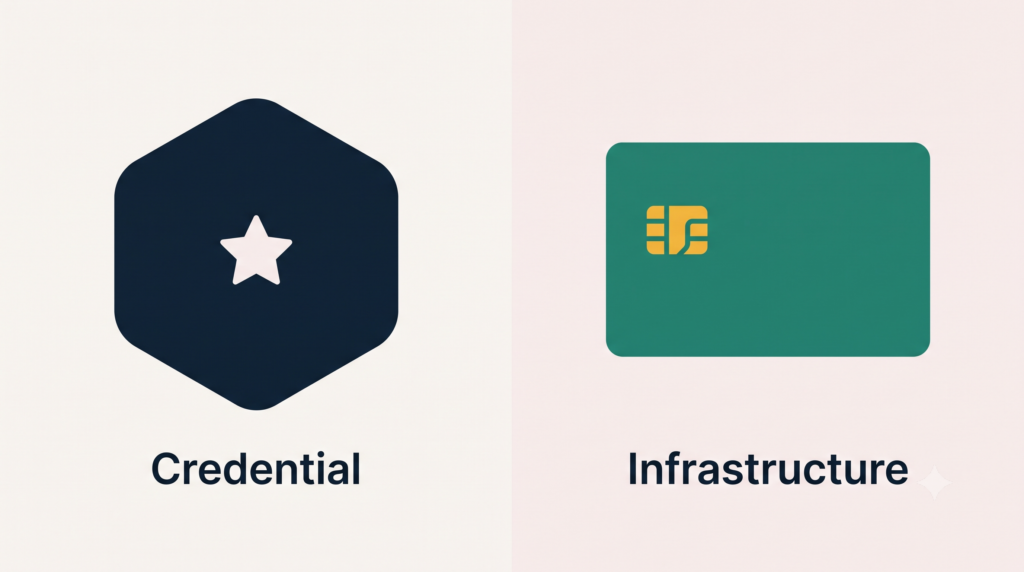
At Quority, we've seen almost every type of Meta agency account suspension — and we know what it takes to both recover quickly and build the infrastructure that prevents recurrence. We provide agencies with access to stable, premium Meta agency accounts with credit lines, proper setup, and active health monitoring built in.
When suspensions do happen — because even well-run accounts aren't immune — our team works directly with platform contacts to escalate and resolve issues faster than the standard appeal queue allows. And our compliance pre-check process means most policy issues get caught before an ad ever launches.
Related reading: 7 warning signs your Facebook ad account is at risk · the unseen impact of ad account blocks.
Stacks is a production-ready library of stackable content blocks built in React Native.
block decrease
years of
experience
block decrease
years of
experience

block decrease
years of
experience

block decrease
years of
experience
block decrease
years of
experience

block decrease
years of
experience


